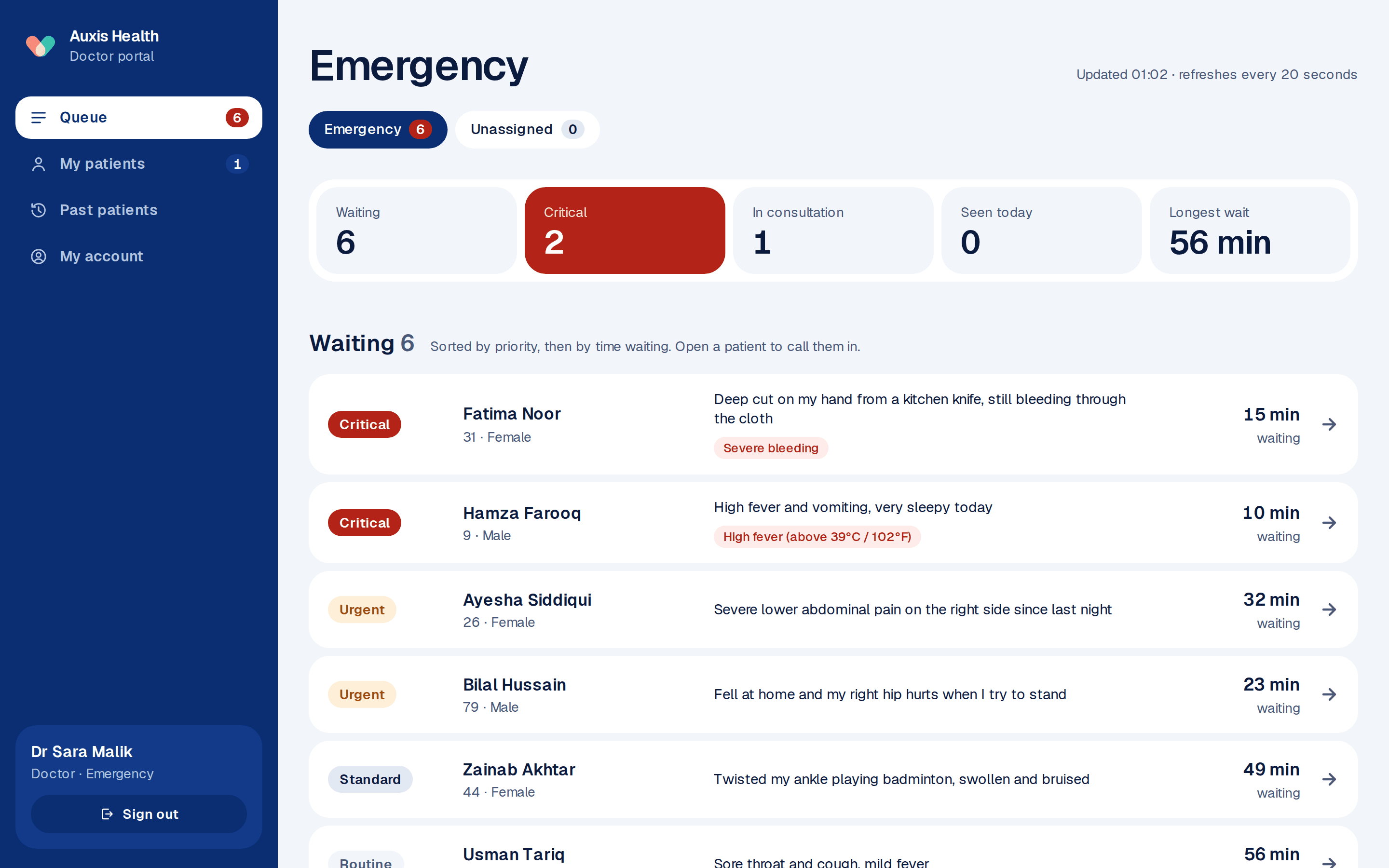
Patient check-in, sorted by urgency
Check in before you sit down.
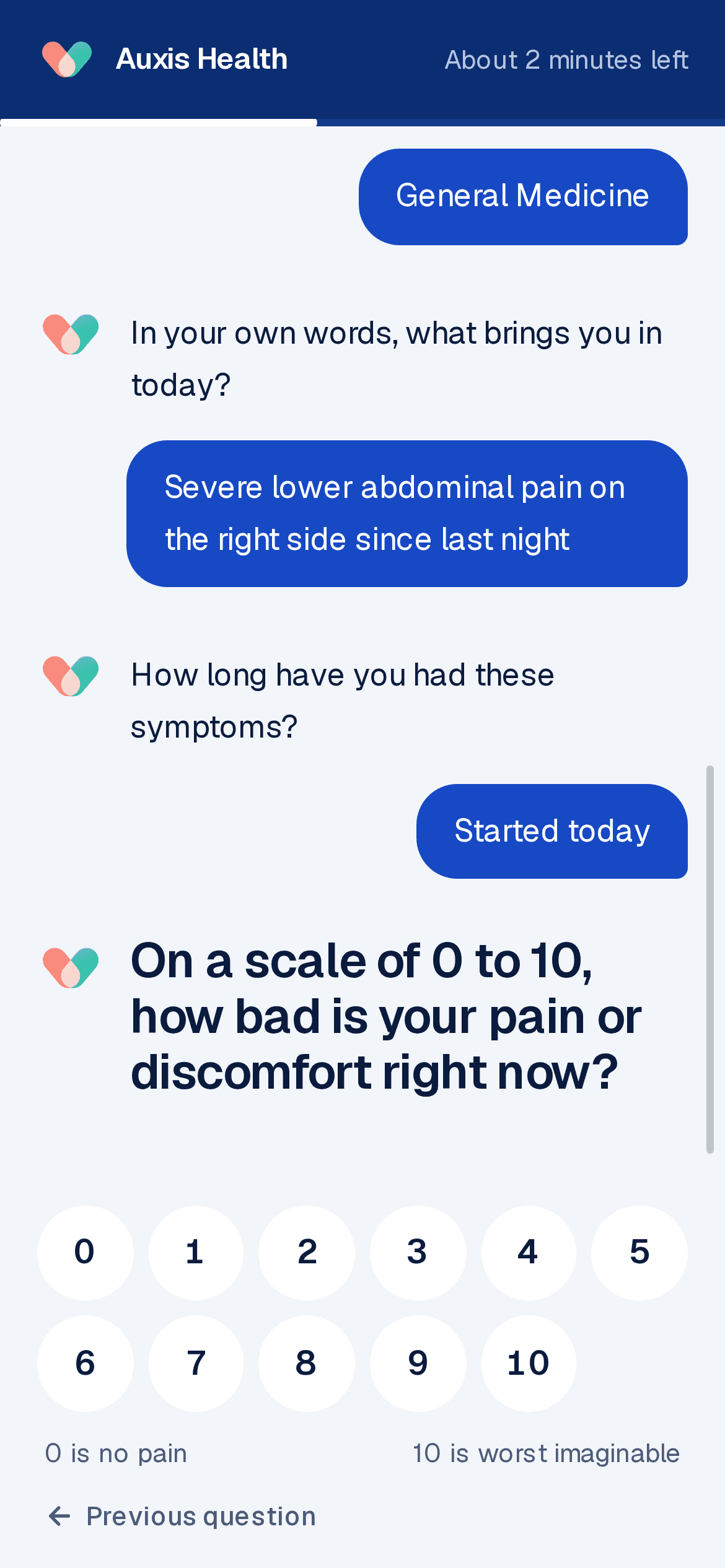
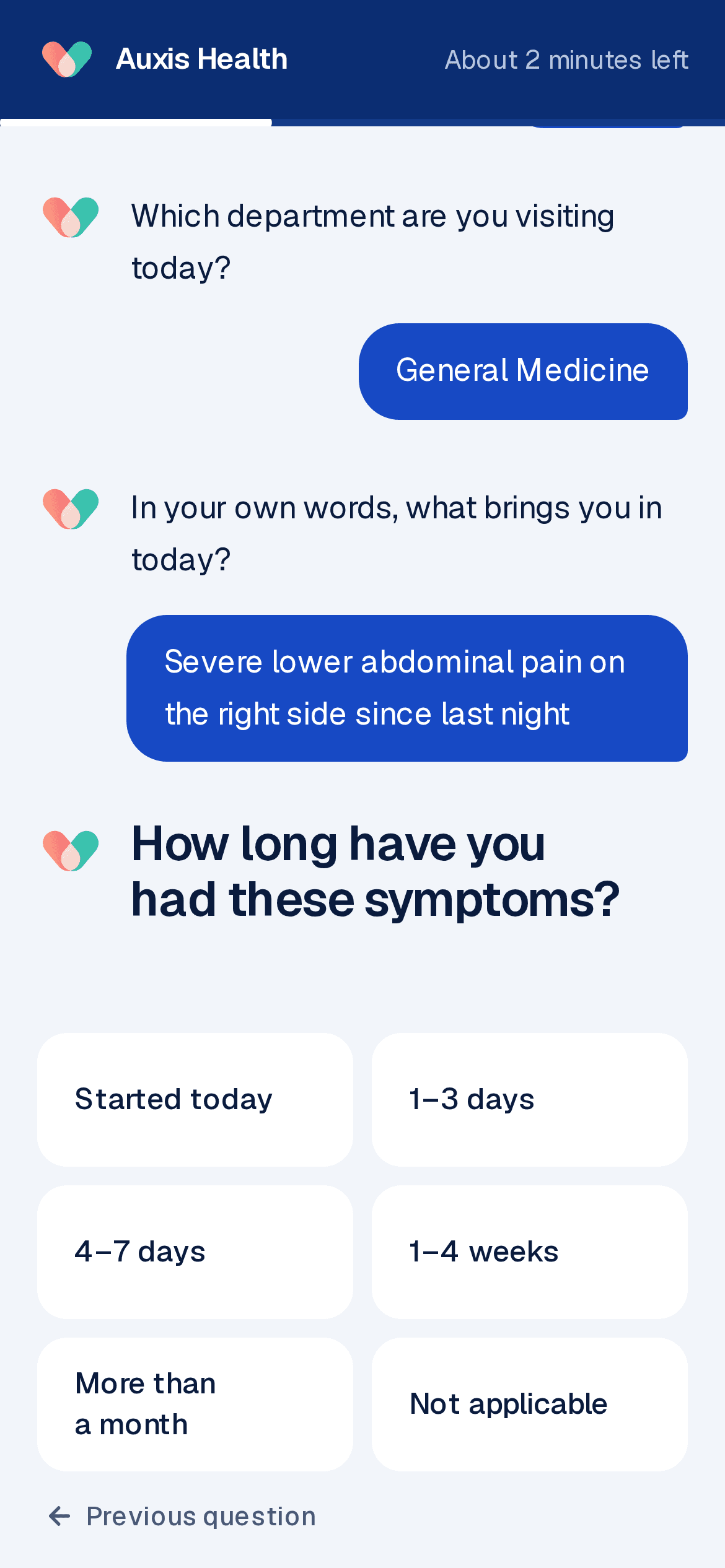
Tell us why you’re visiting in a few short questions. Your answers reach the doctor before you’re called in.
Patient check-in, sorted by urgency
Tell us why you’re visiting in a few short questions. Your answers reach the doctor before you’re called in.
On their own phone, in the waiting area, in about two minutes.
Warning signs and pain move the sickest patients to the top.
With the patient’s own account and history already on screen.
For patients
Your name, phone, what’s wrong and for how long. One question at a time, in plain words, on your own phone.
Photos or PDFs of earlier tests and prescriptions, if you have them. You can skip this.
Your answers go straight to the right department. The doctor reads them before you walk in.
Been here before? Use the same phone number and we’ll remember your details, including for family members who share it.
For doctors
The queue puts the sickest first: warning signs, pain level, age and pregnancy all count.
Each patient’s own words, their history, medicines, allergies and reports on one page.
Earlier visits from the same patient, so a returning case isn’t a fresh start.
Your own notes on every patient you call in.
For hospital admins
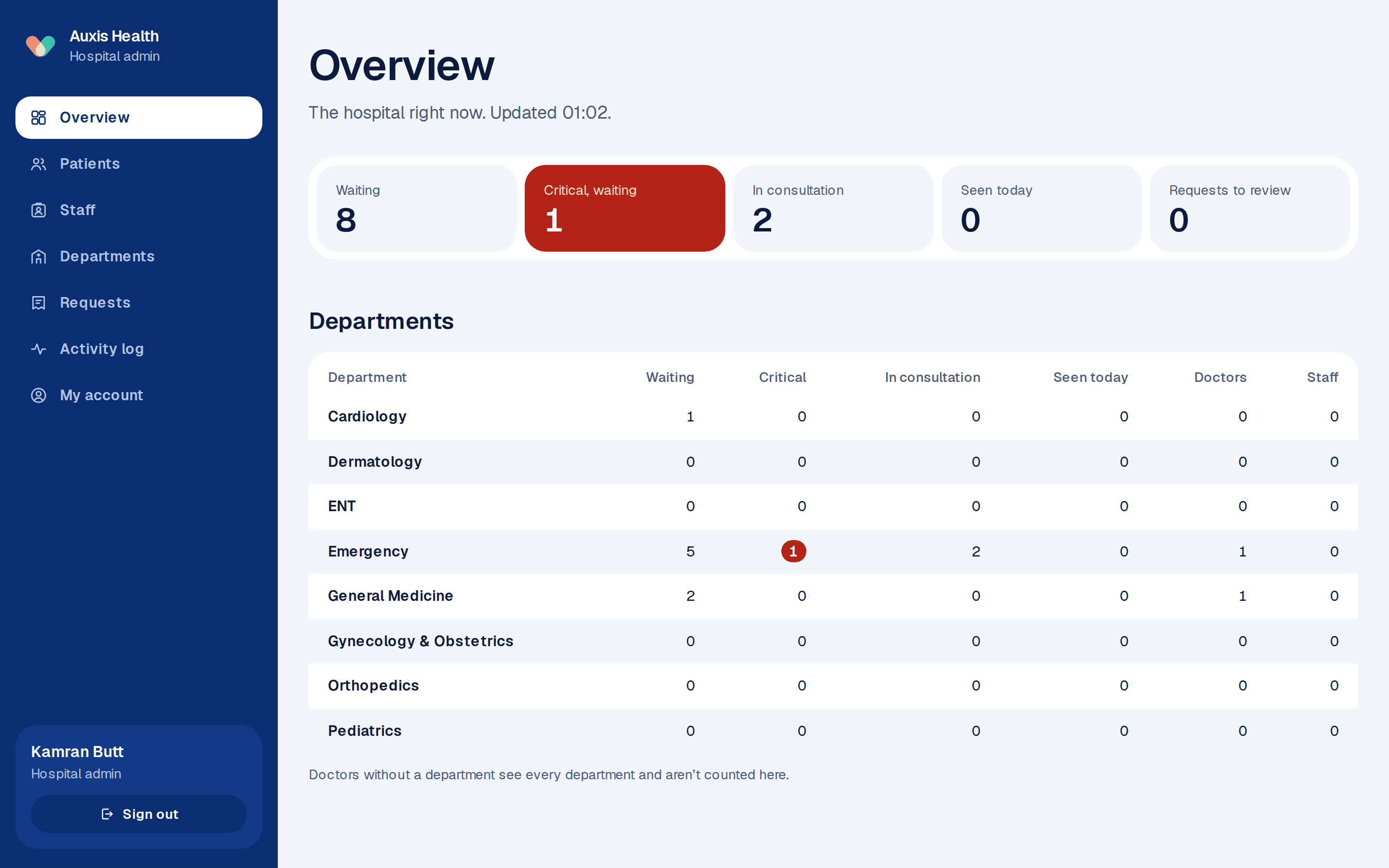
See how many patients are waiting in each department, and how many are critical, without opening anyone’s medical details.
Add doctors, department staff and other admins, reset passwords and turn accounts off when people leave.
Add, rename or close departments. Patients choose from the open ones when they check in.
Doctors ask for profile and password changes; you approve or turn them down in one place.
Every account and department change, with who made it and when.
Privacy
